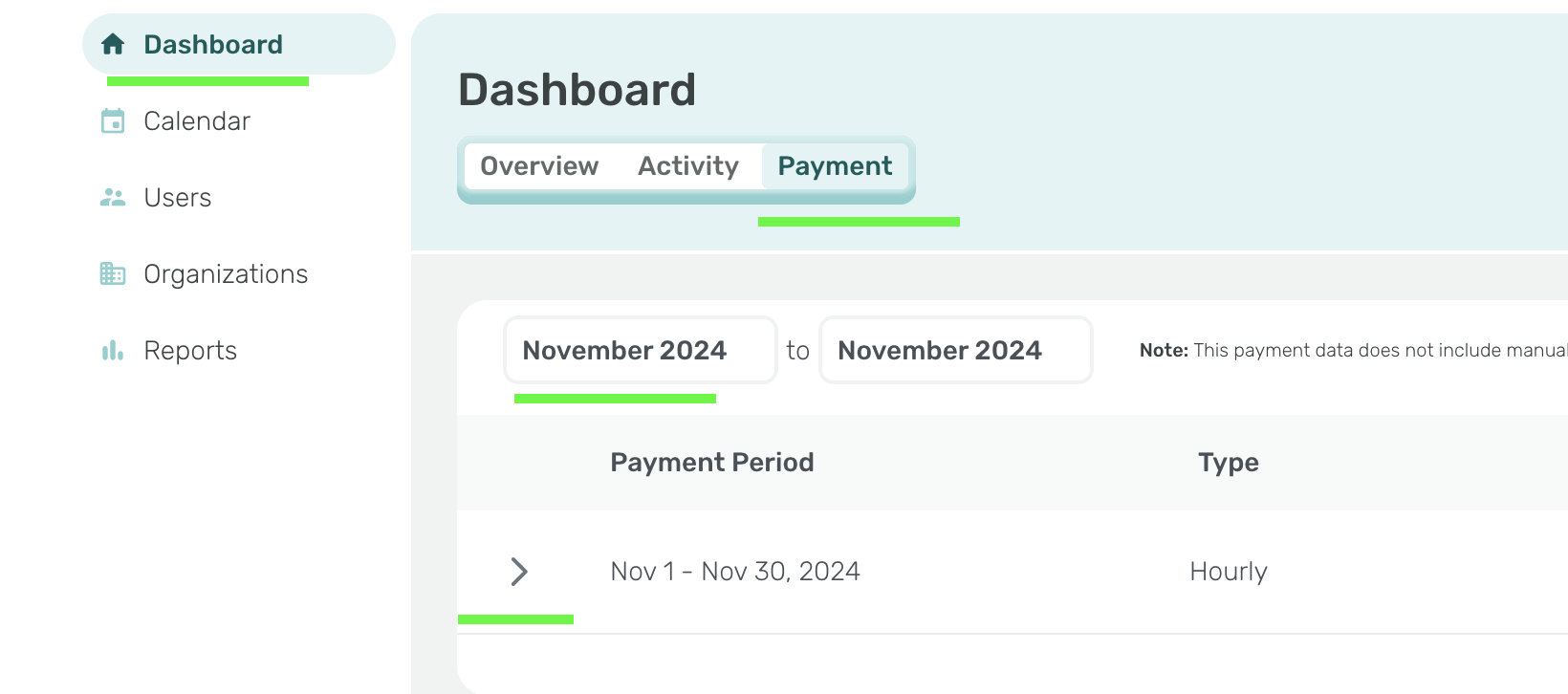
Clinicians can access the real-time invoicing feature through the Payment tab.
1) Sign in to the Insight Platform
2) Click on Payment
3) Adjust the Month filter if needed
4) Click the arrow next to the payment period to review
5) All events documented from the 1st day of the month through the last day of the month at 11:59 PT are automatically collected for invoice to be paid on the upcoming 7th of the next month.