- As a School Admin or Service Provider navigate to the Reports page.
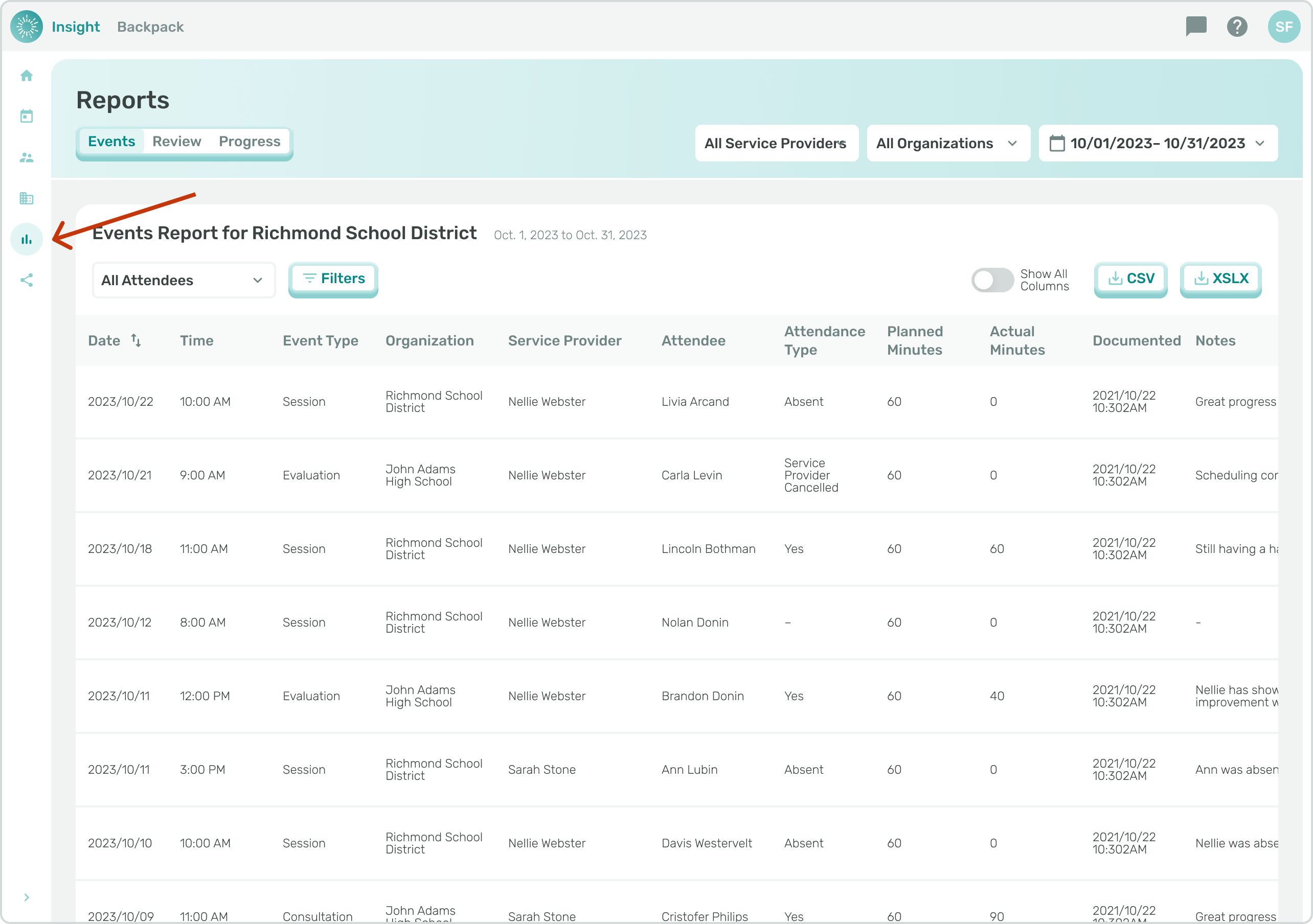
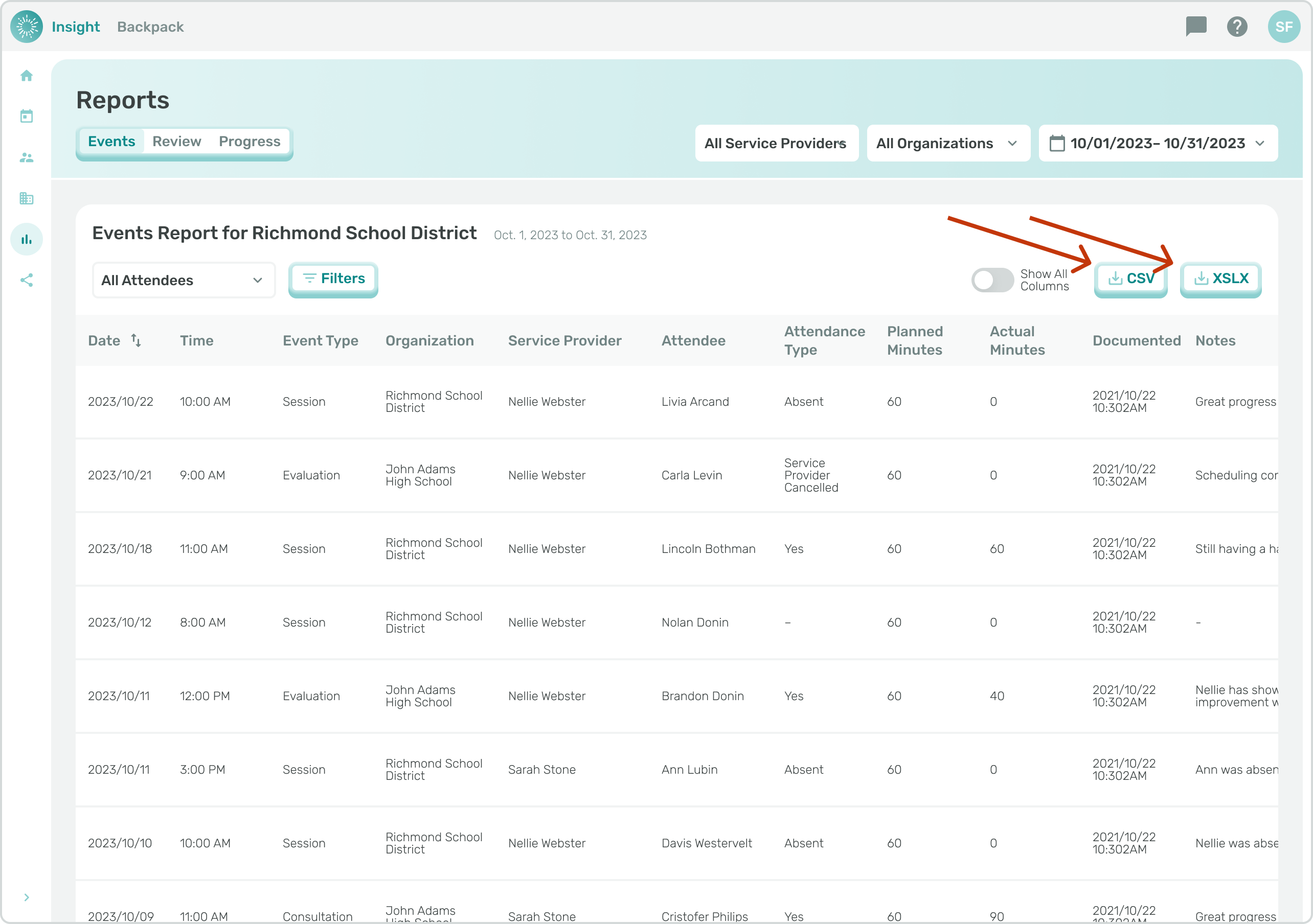
- This page will load with events data showing for the most recent 30 days.
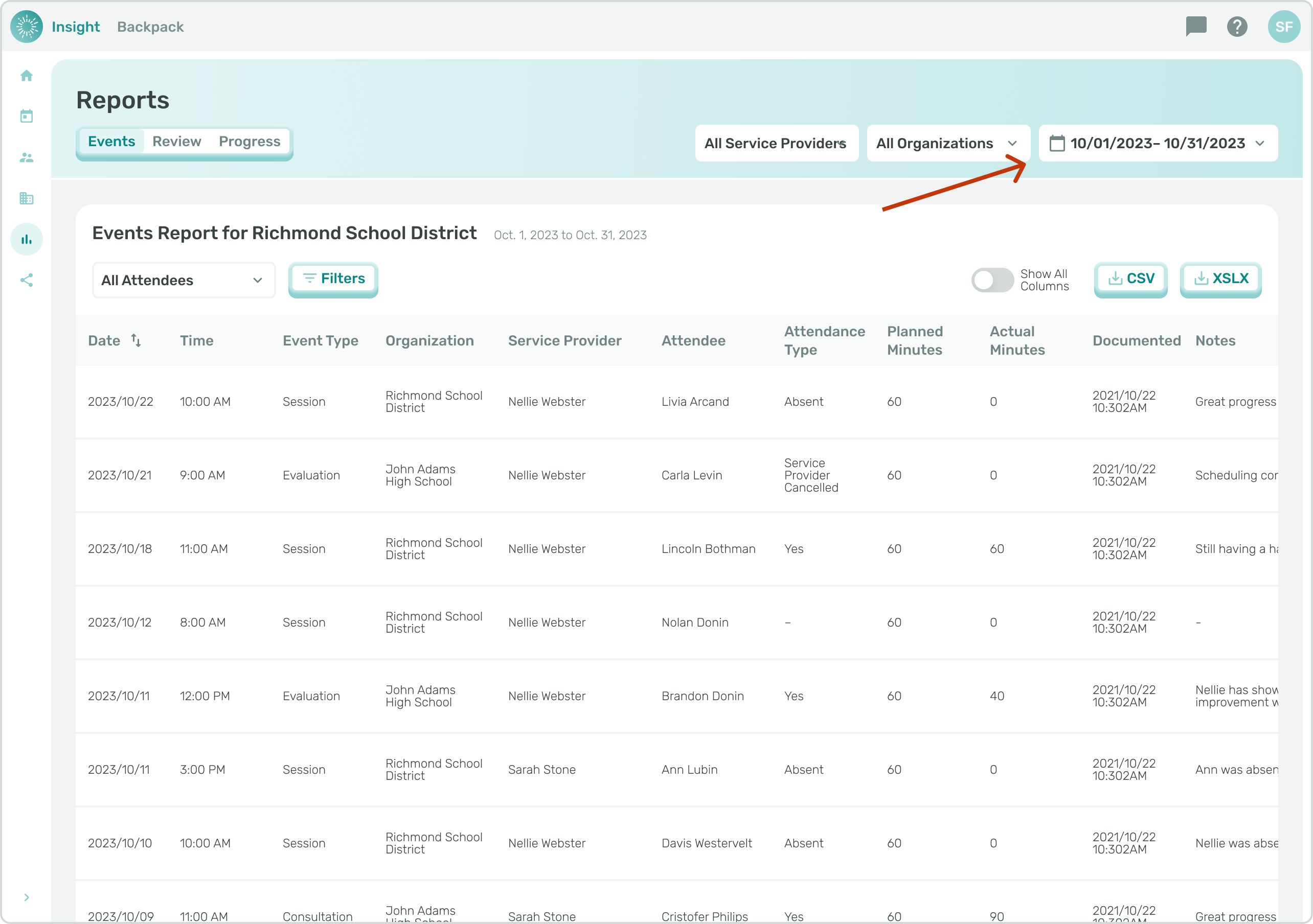
- That date range can be adjusted using the date range selector in the top right of the page.
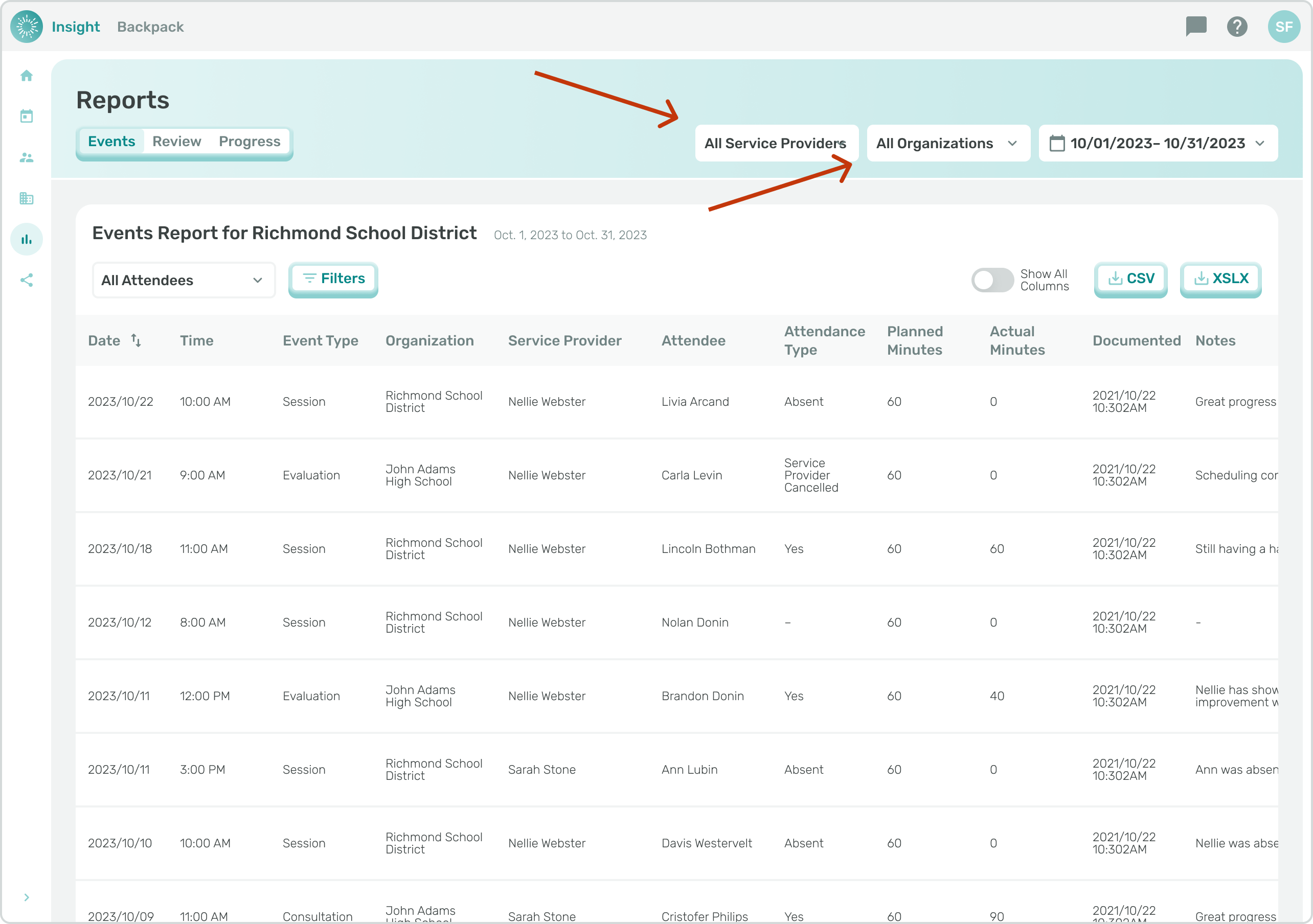
- You can also filter reports down to a specific organization or service provider(s).
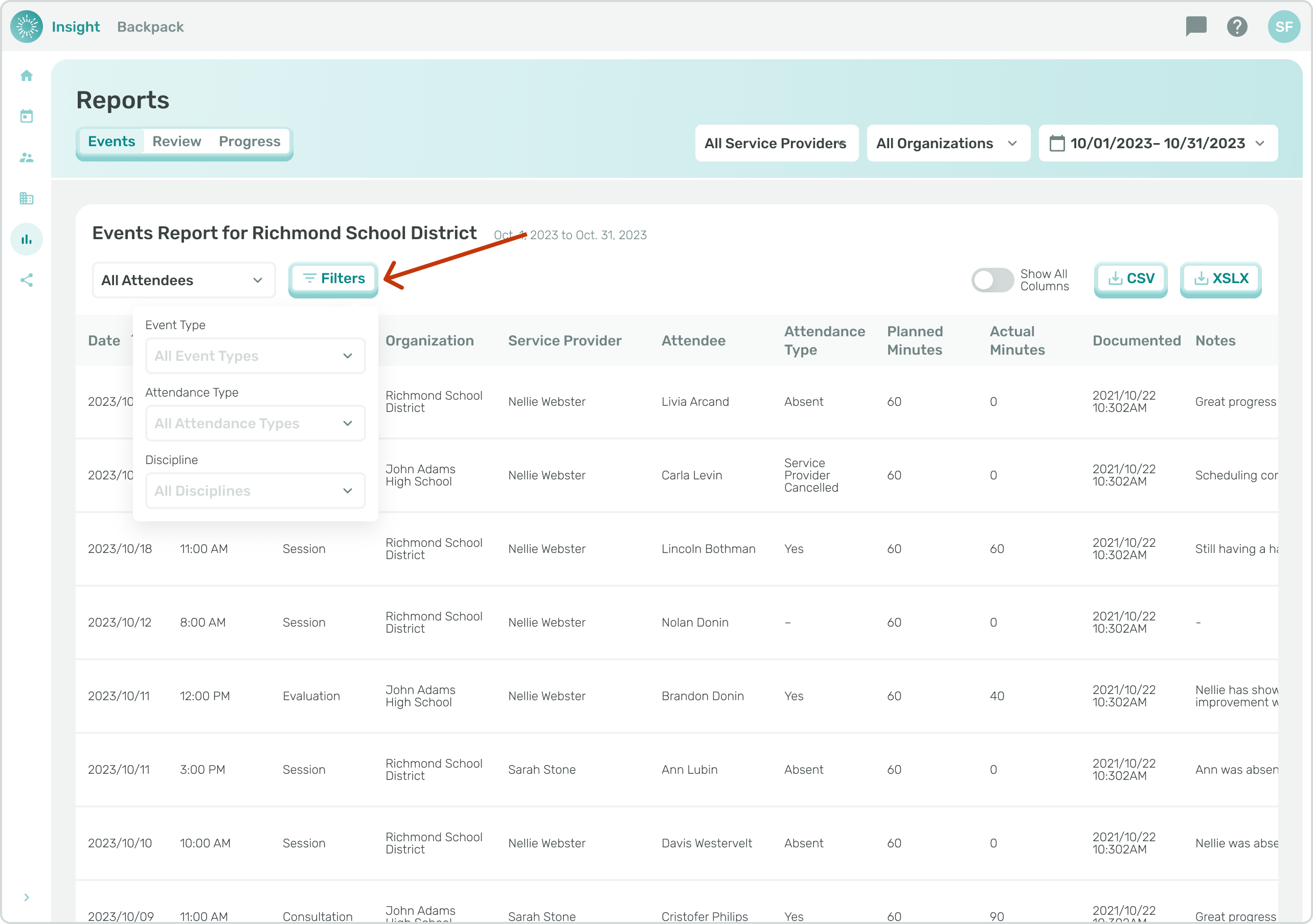
- Click "Filters" to access additional filters, including Event Type, Attendance Type, and Discipline.
- Once you've filtered the Events Report to show the report you need, you can download the data as a CSV or XLSX by clicking the respective button above the table.
- Reports with more than ~5,000 records will send an email with a link to the resulting report.