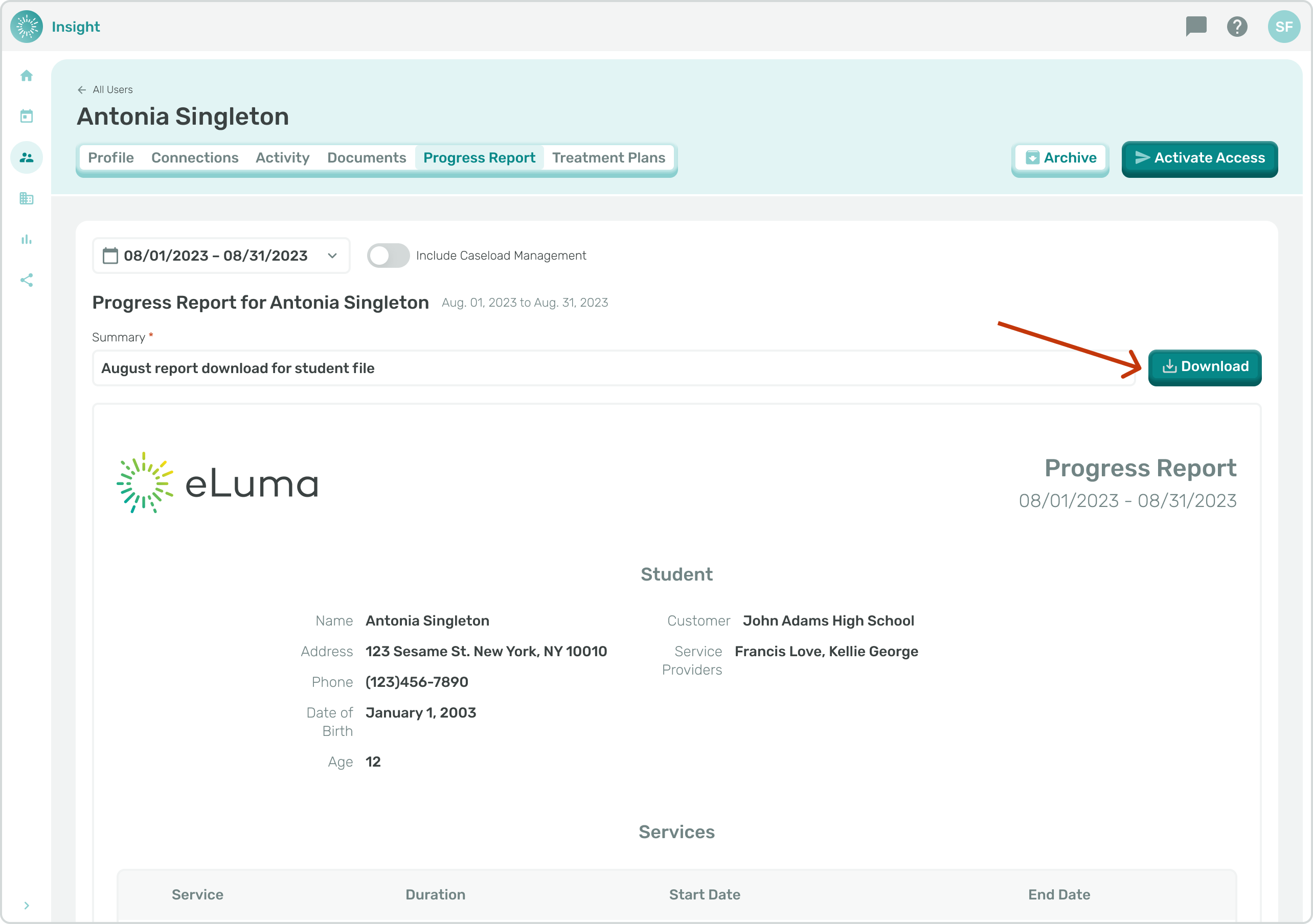
- As a School Admin or Service Provider navigate to the Users page through the sidebar menu.
- This flow can also be achieved by navigating to Reports and selecting the "Progress Report" Tab. Once a Student has been selected from the Student dropdown, the flow is the same as is indicated here.
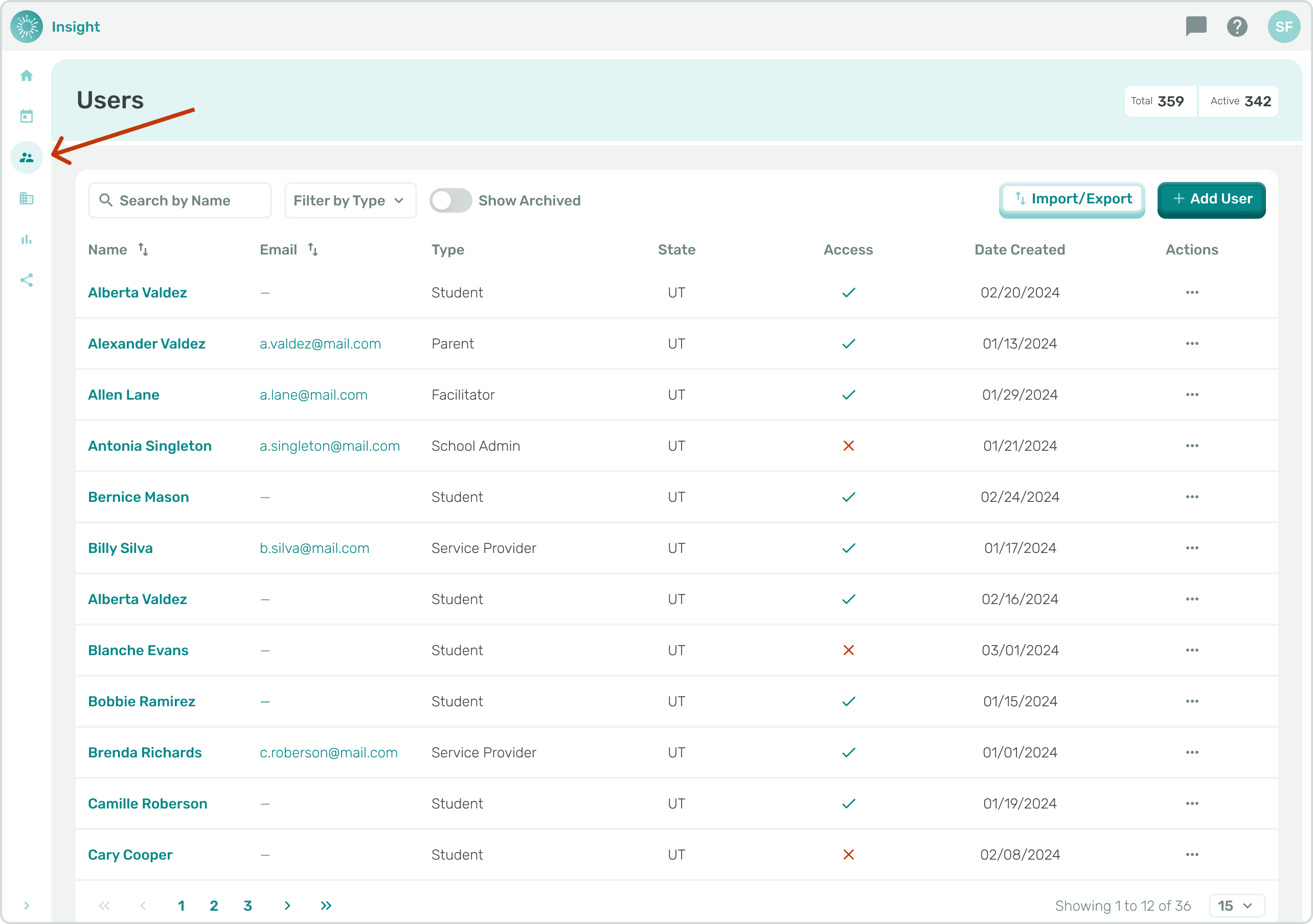
- Click the name of the student that you want to edit.
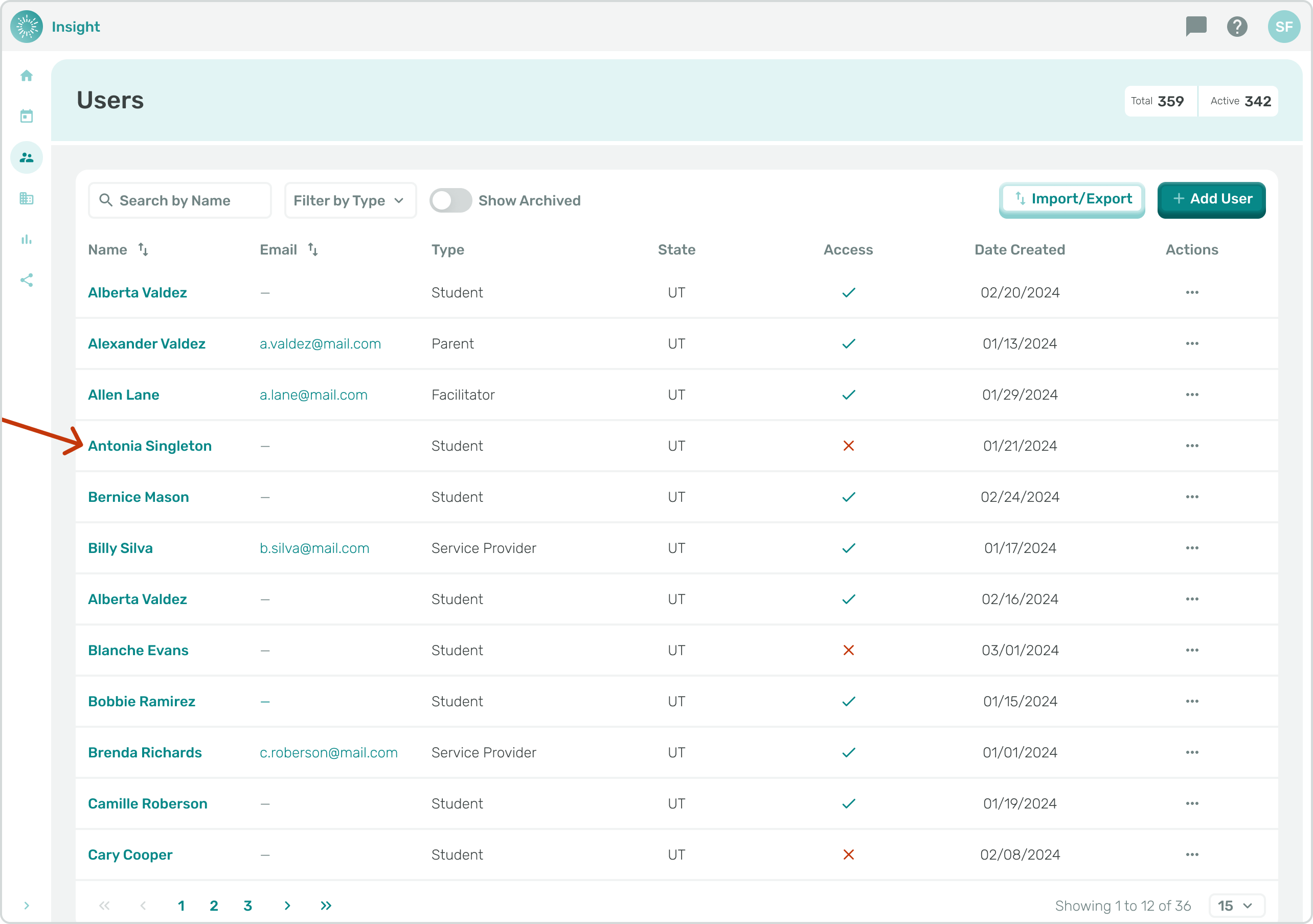
- Navigate to the "Progress Report" tab.
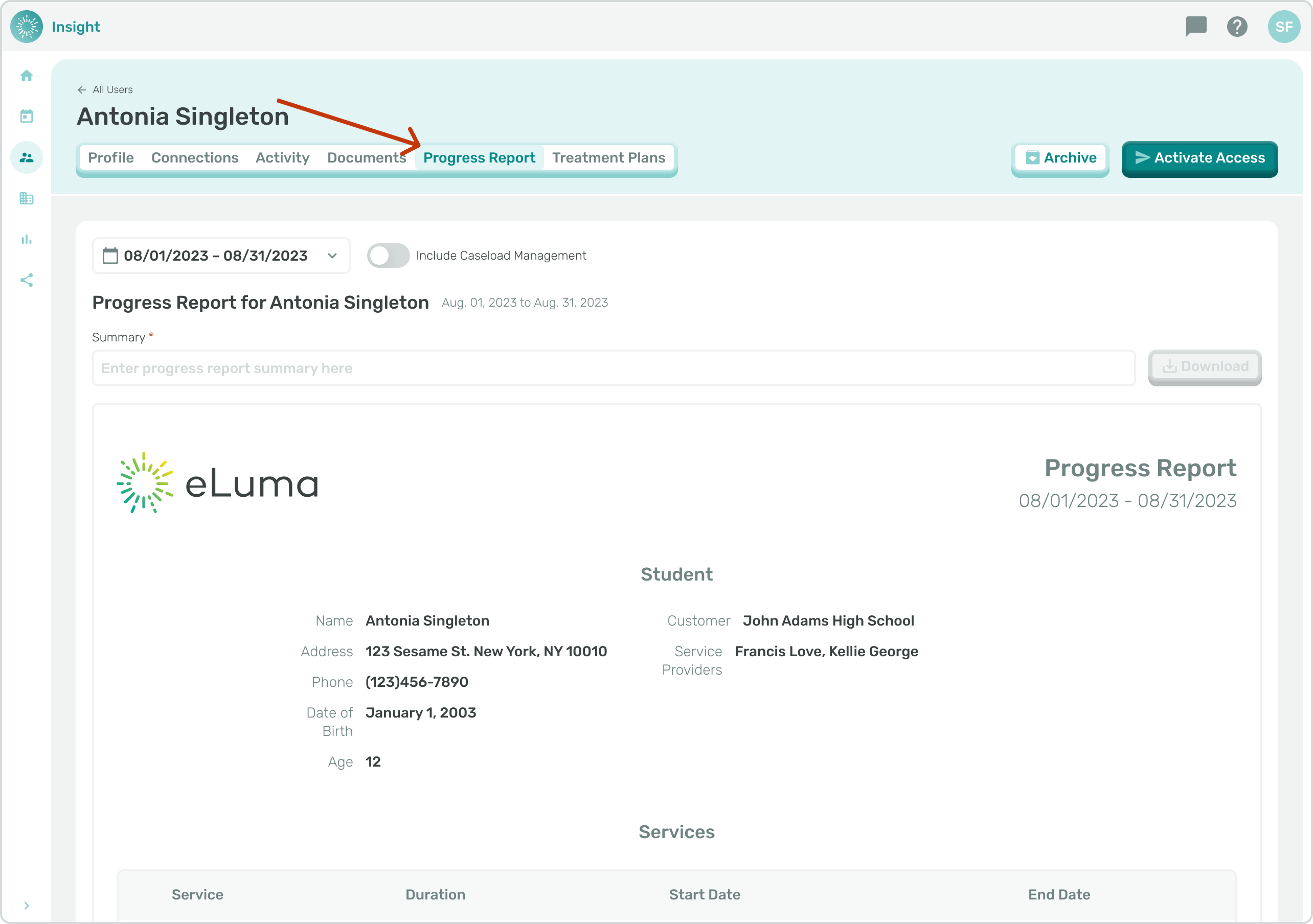
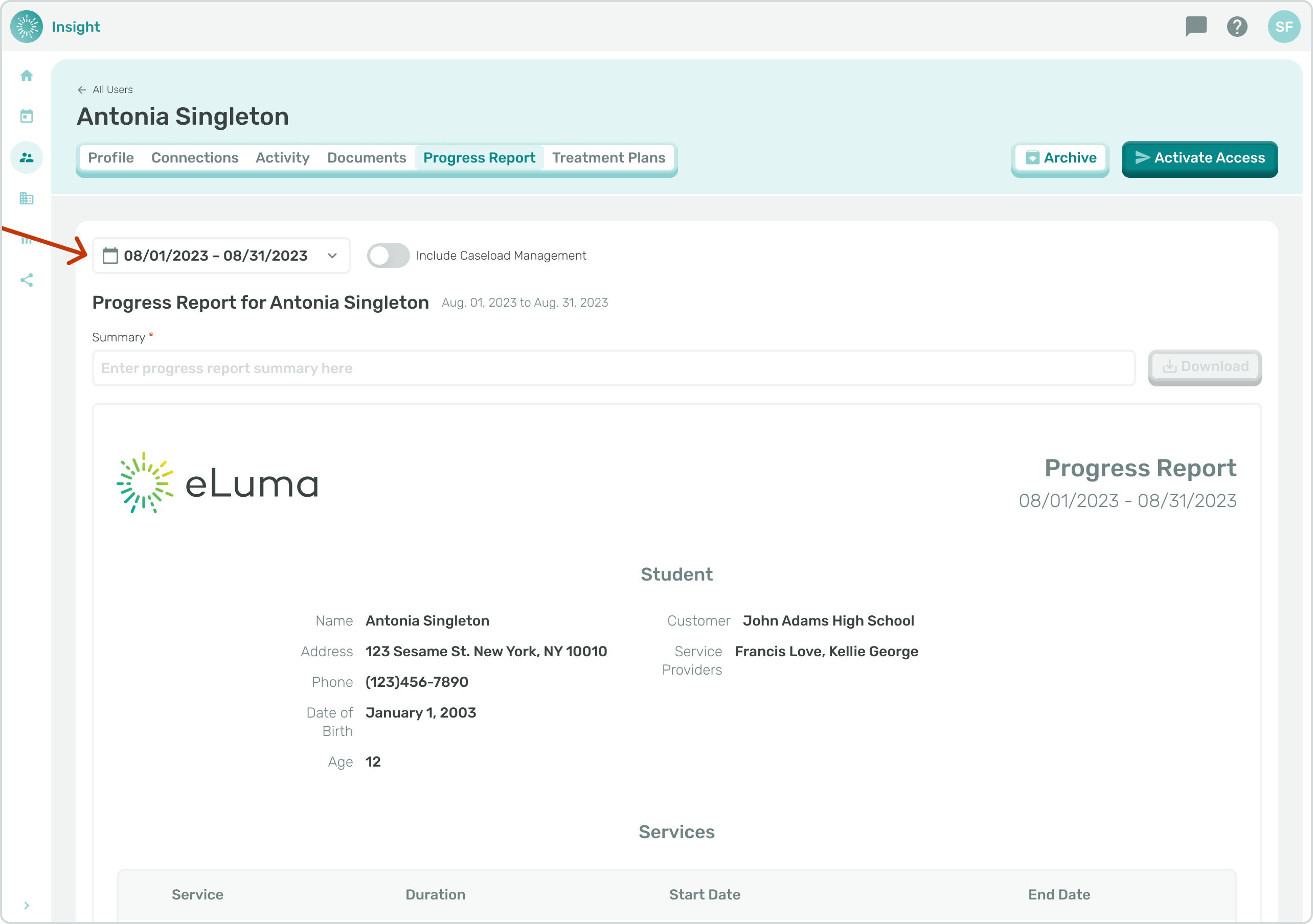
- Use the date range selector to indicate the date range you would like for generating the Progress Report.
- The default selection will be the previous 28 days.
- A summary for the Progress Report is required before downloading the report.
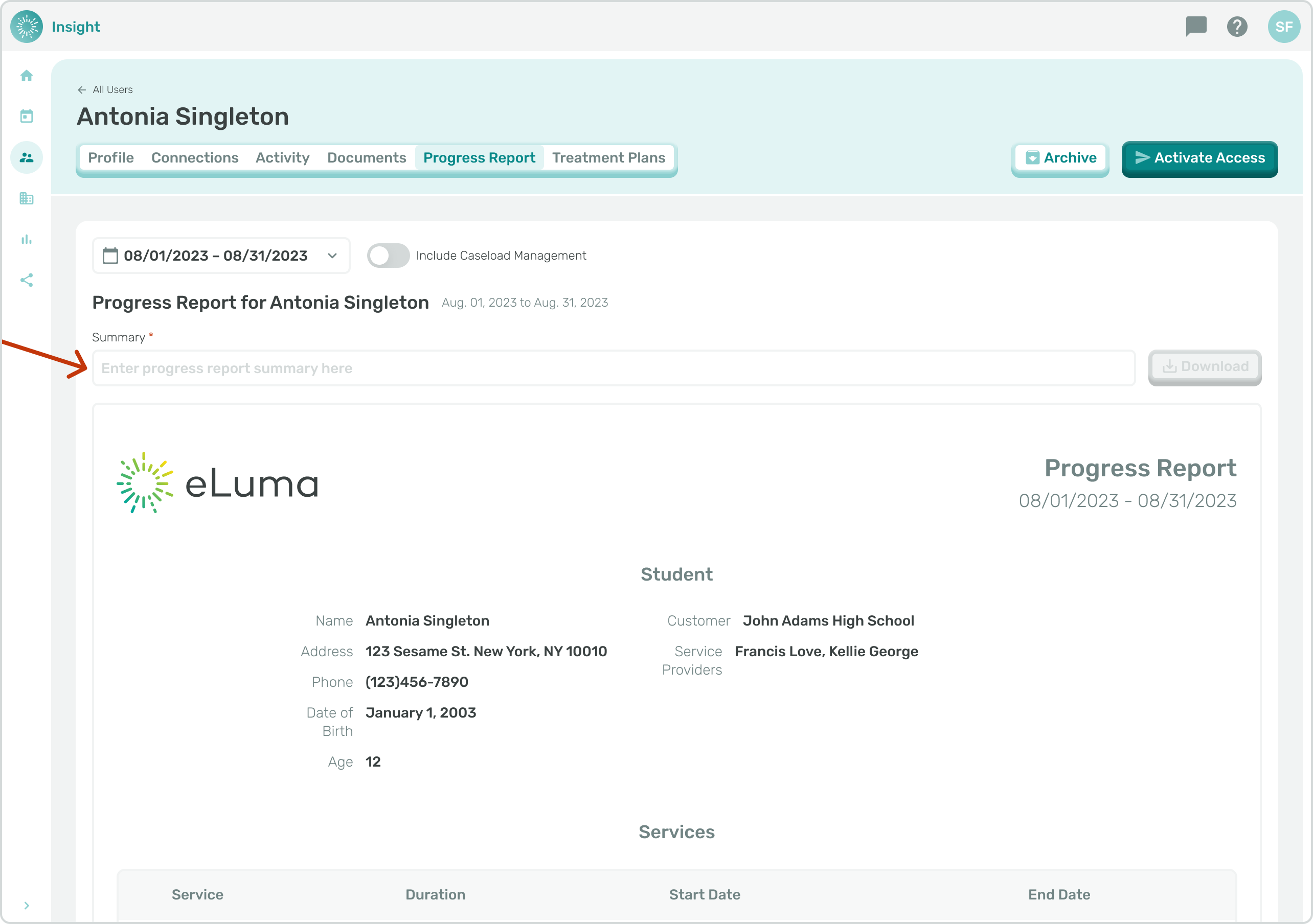
- Once you've entered a summary for the Progress Report, click "Download".