As a Service Provider you can “Bulk Document” the Attendance for the Events you have scheduled in a day. It can be used to Document all Event types, except for Caseload Management.
- Also, at this time, this feature is only available to Document Events that are:
- Service Provider
- Cancelled
- If there is No School
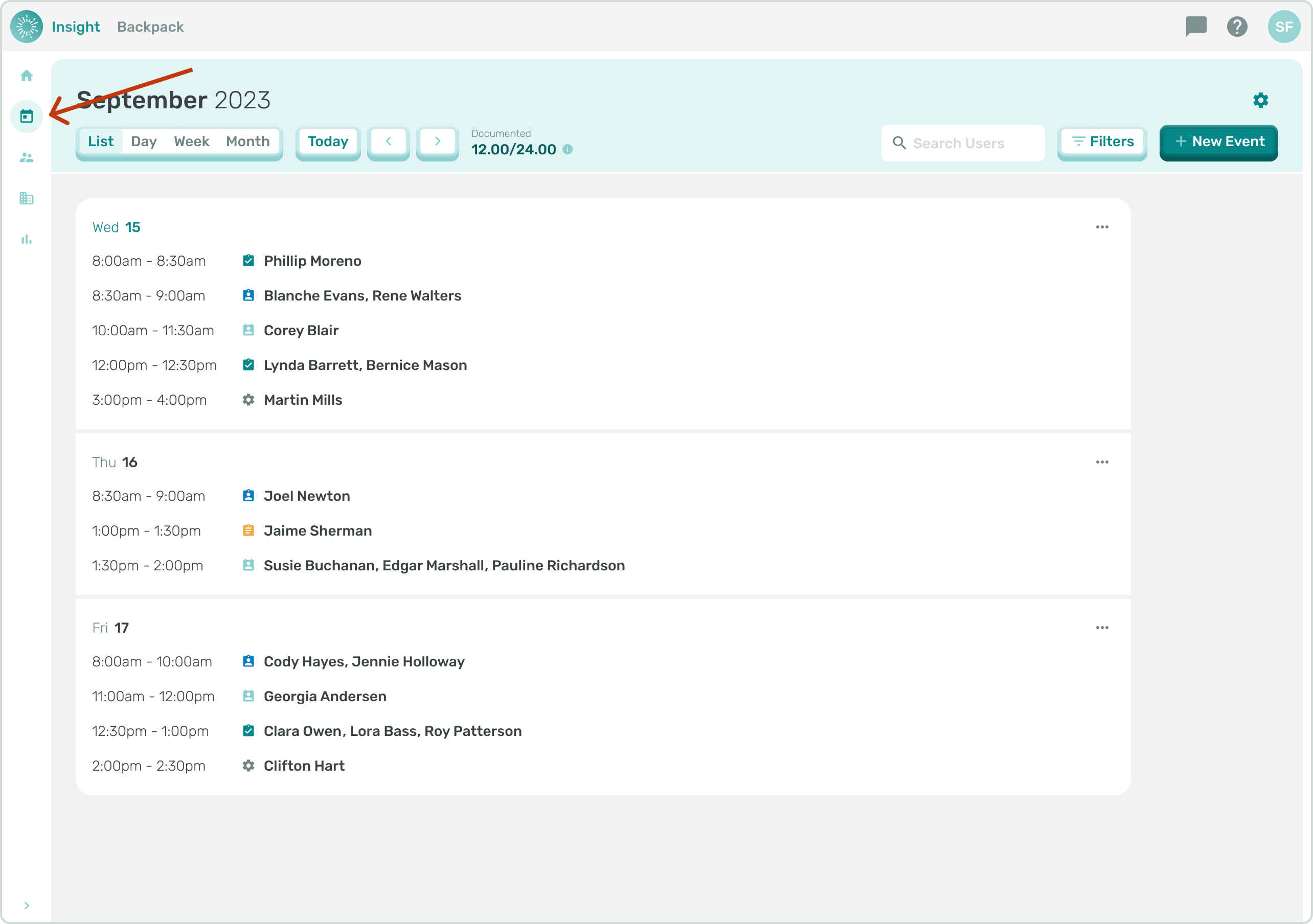
- Navigate to your Calendar Page by clicking in the side menu.
- Click on the Date you would like to Document Events.
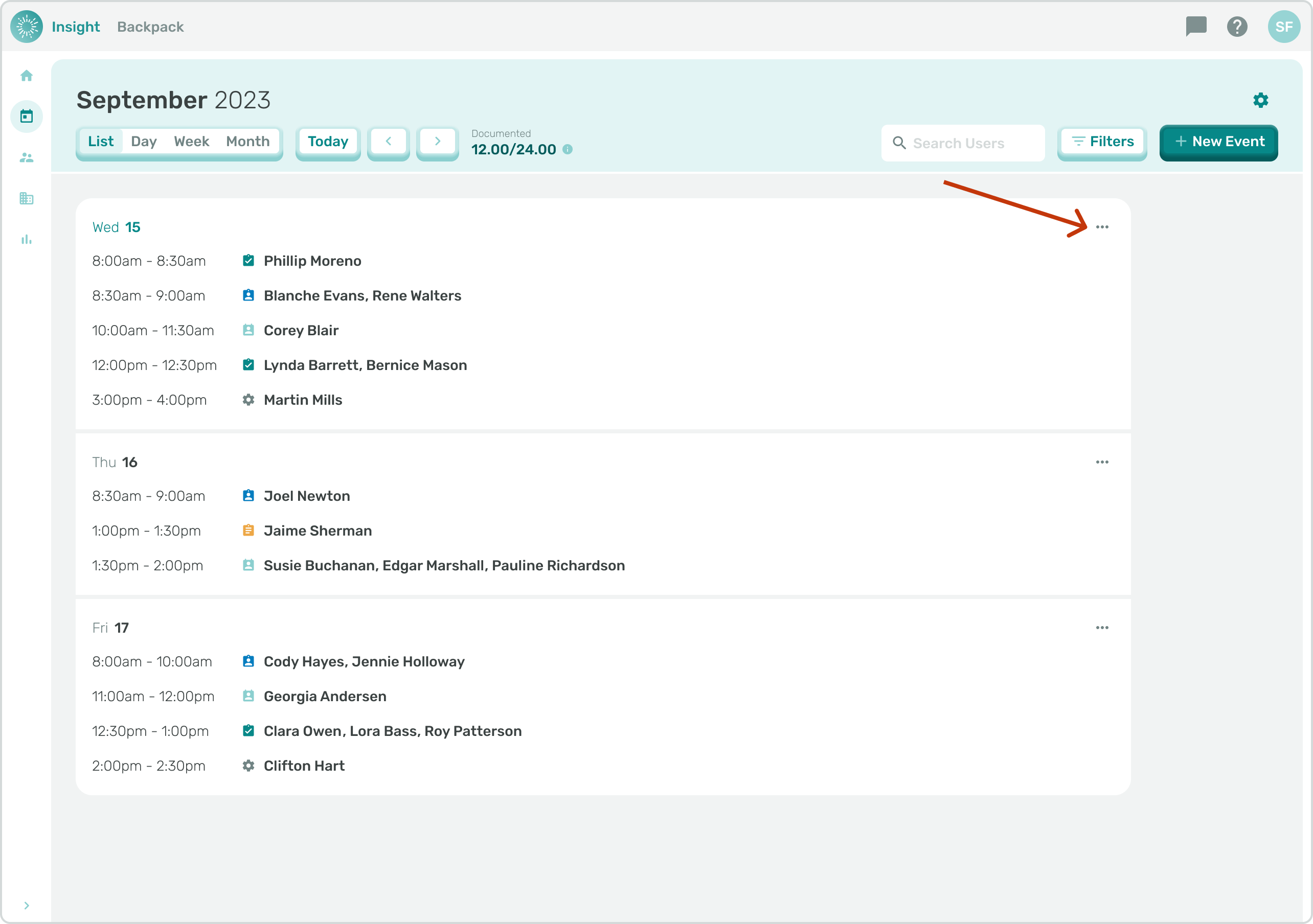
- Next, click on the three dots to the right of the Date to open the Edit Attendance modal.
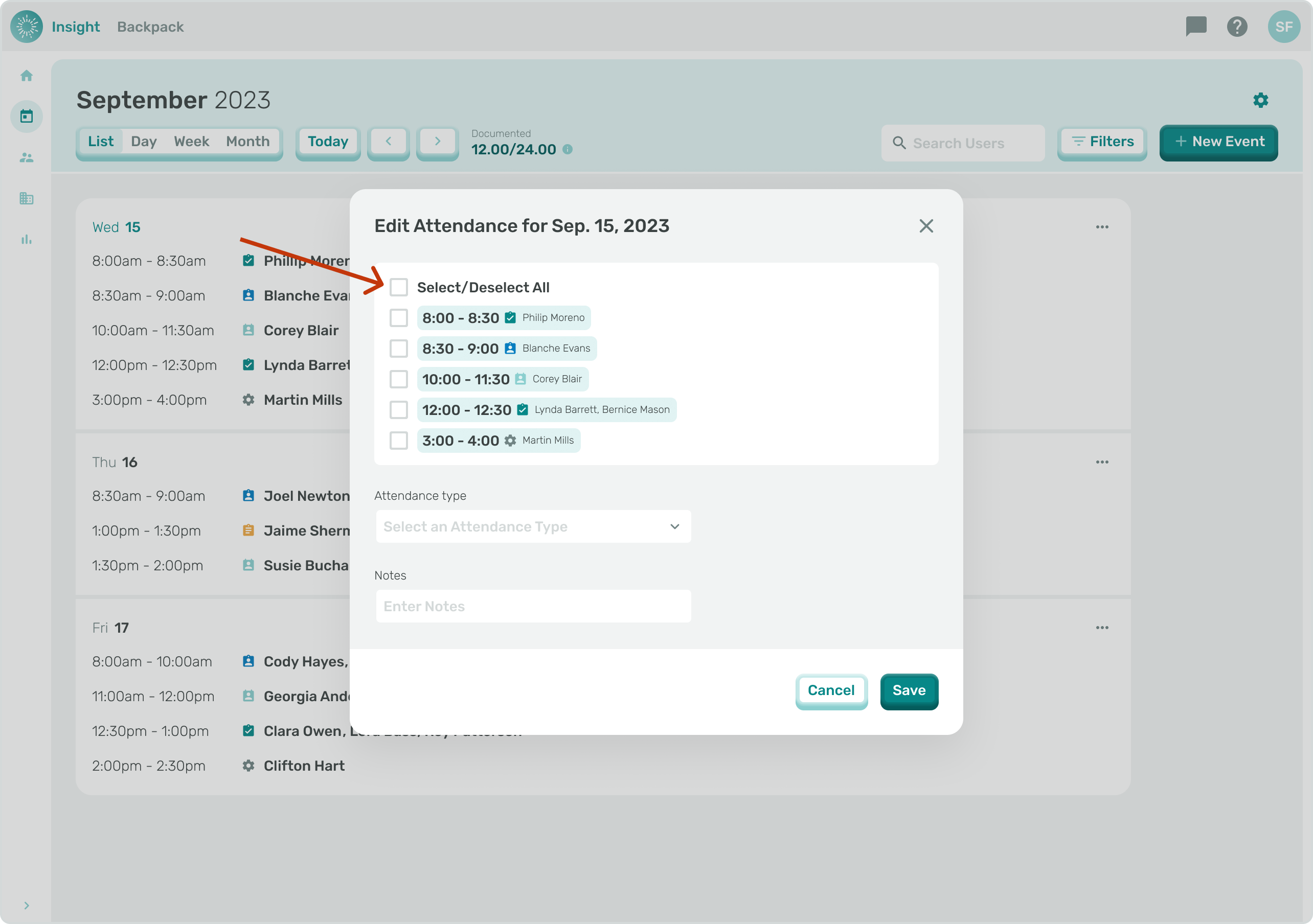
- To select certain Events and not all, click the box to the left of the Session.
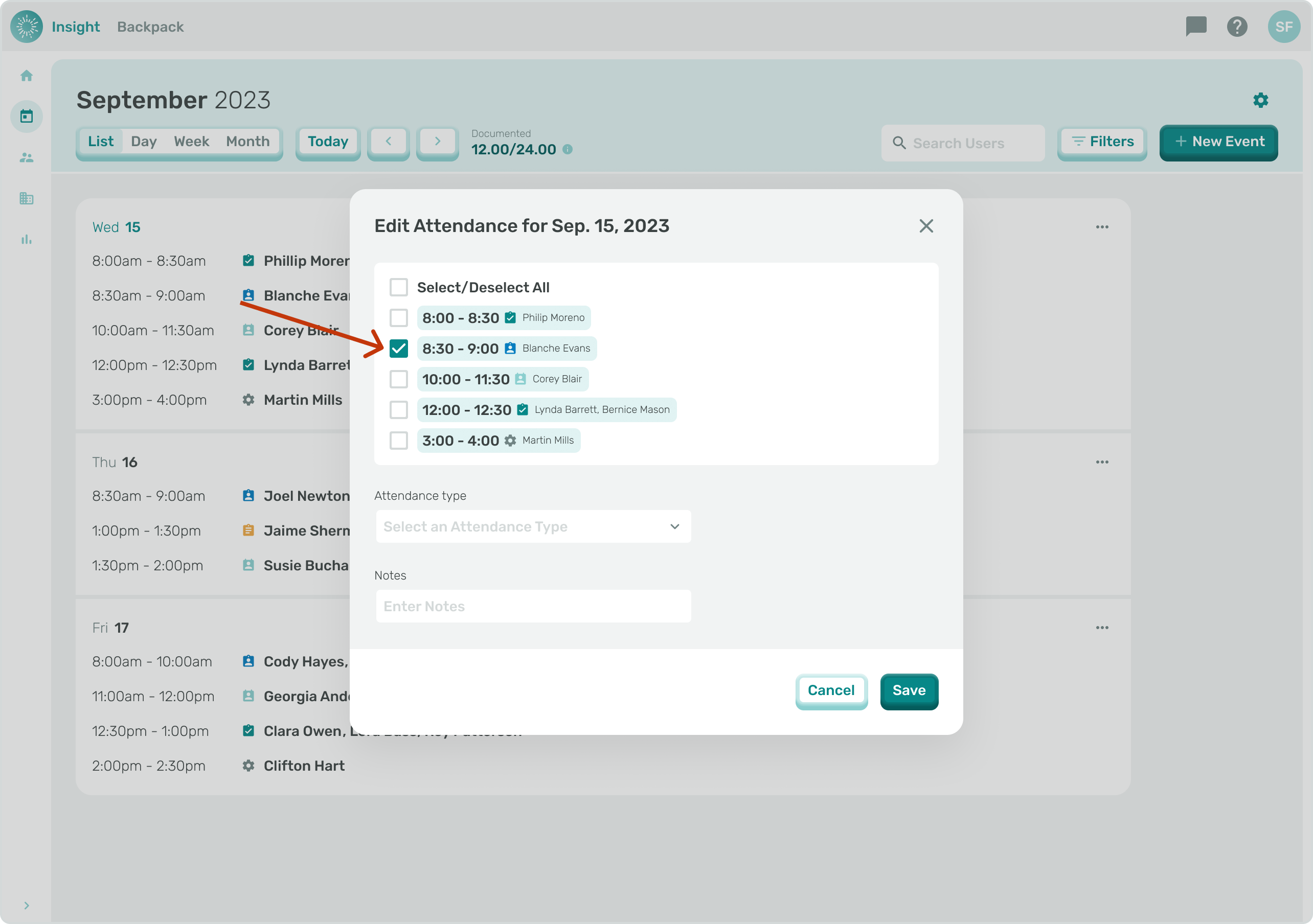
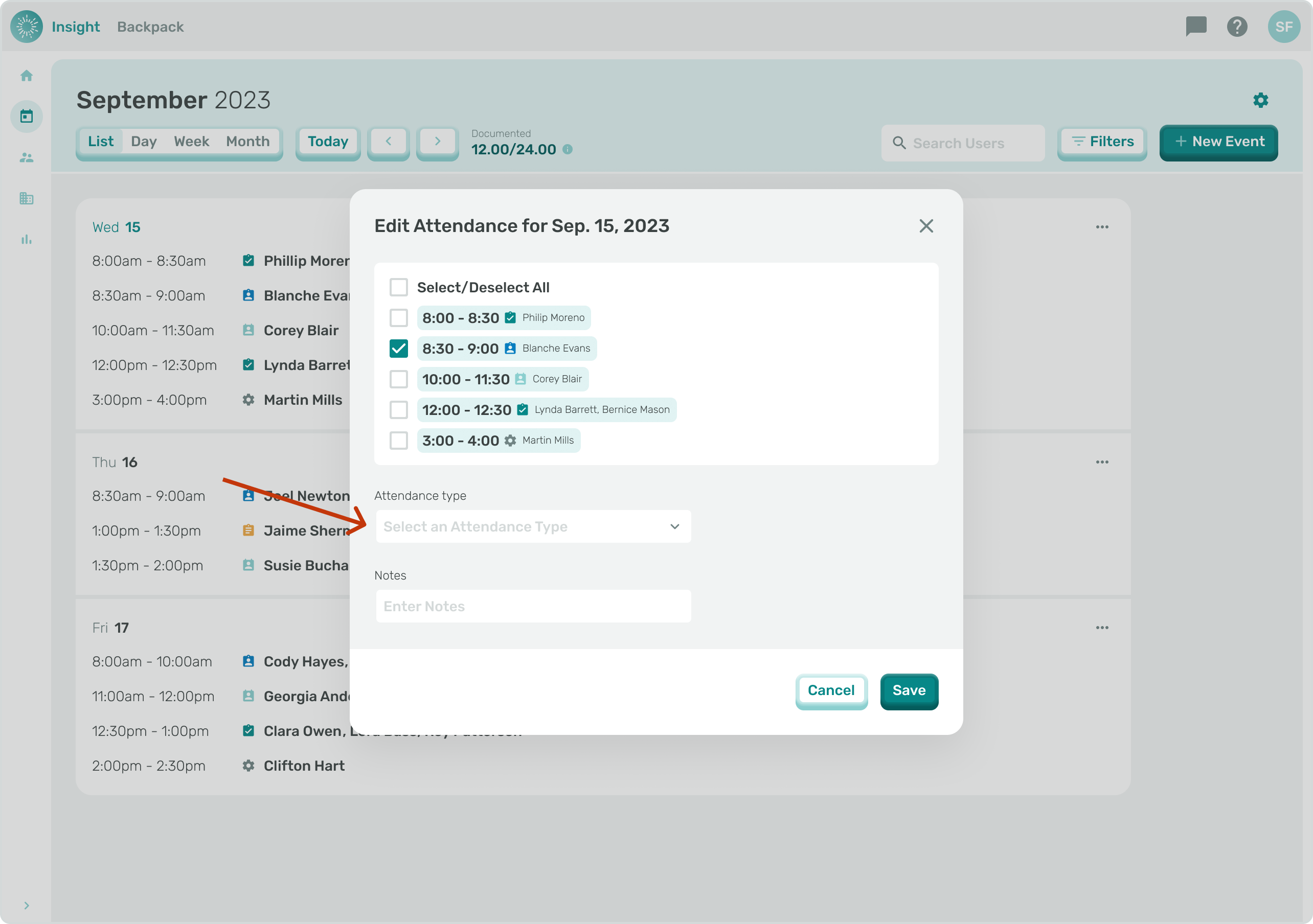
- Click on the ‘Select an Attendance Type’ drop down arrow.
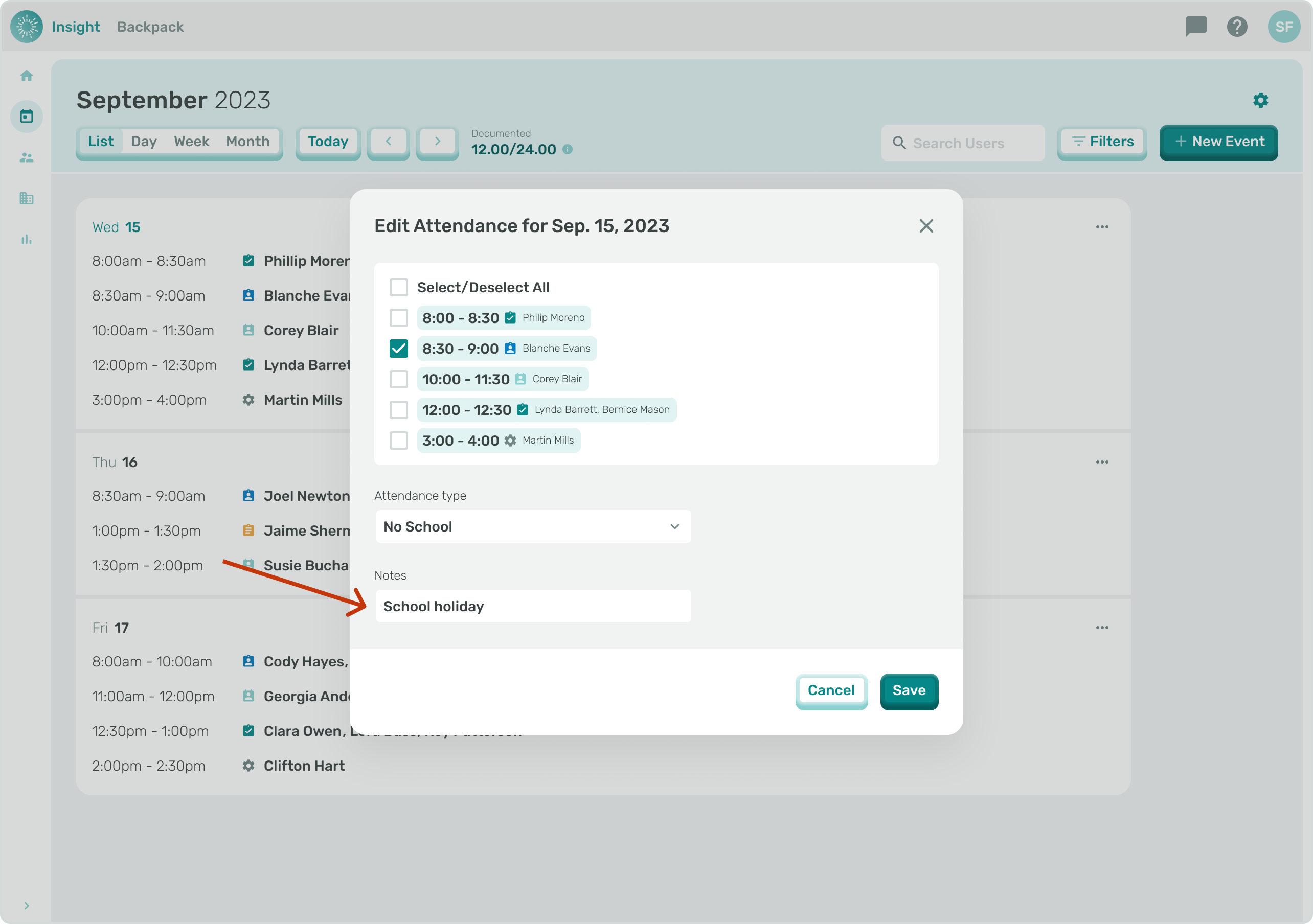
- Click on one of the options:
- Service Provider
- Cancelled
- No School
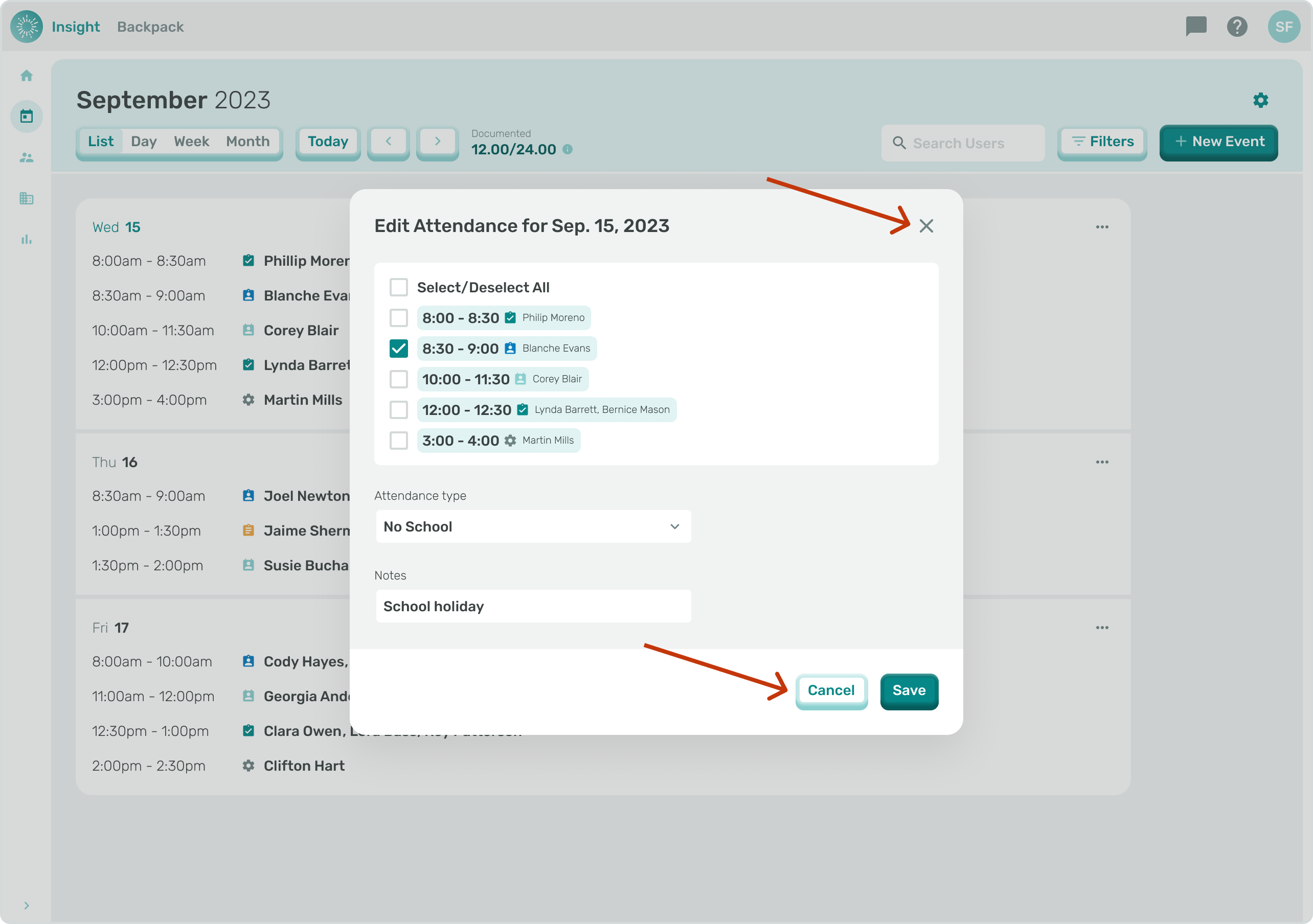
6a. To Exit the Edit Attendance modal at any time and not Save your Documentation, you can either click the “X” in the top right corner or click the Cancel button at the bottom right corner of the modal.
- Once clicked you will go back to the Calendar without making any updates to your Events.
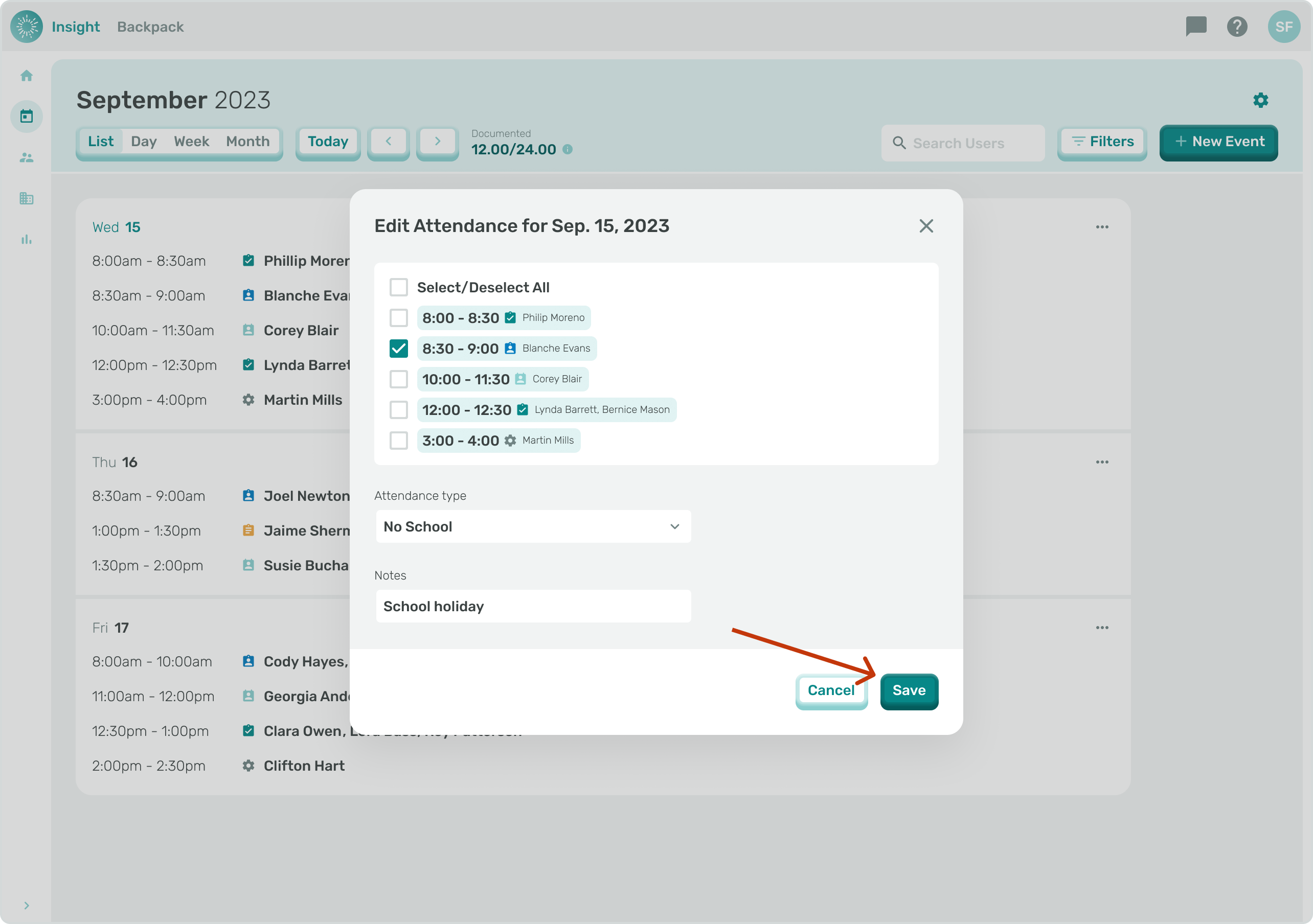
- Once all the required fields have been updated the Save button will be enabled. Click on the Save button at the bottom right corner of the modal when you have completed your Documentation and all the Events for the Day that was chosen will be Documented.
- A confirmation message will appear at the top of the screen stating, “Saved The selected events have been documented.”