How to Search Backpack
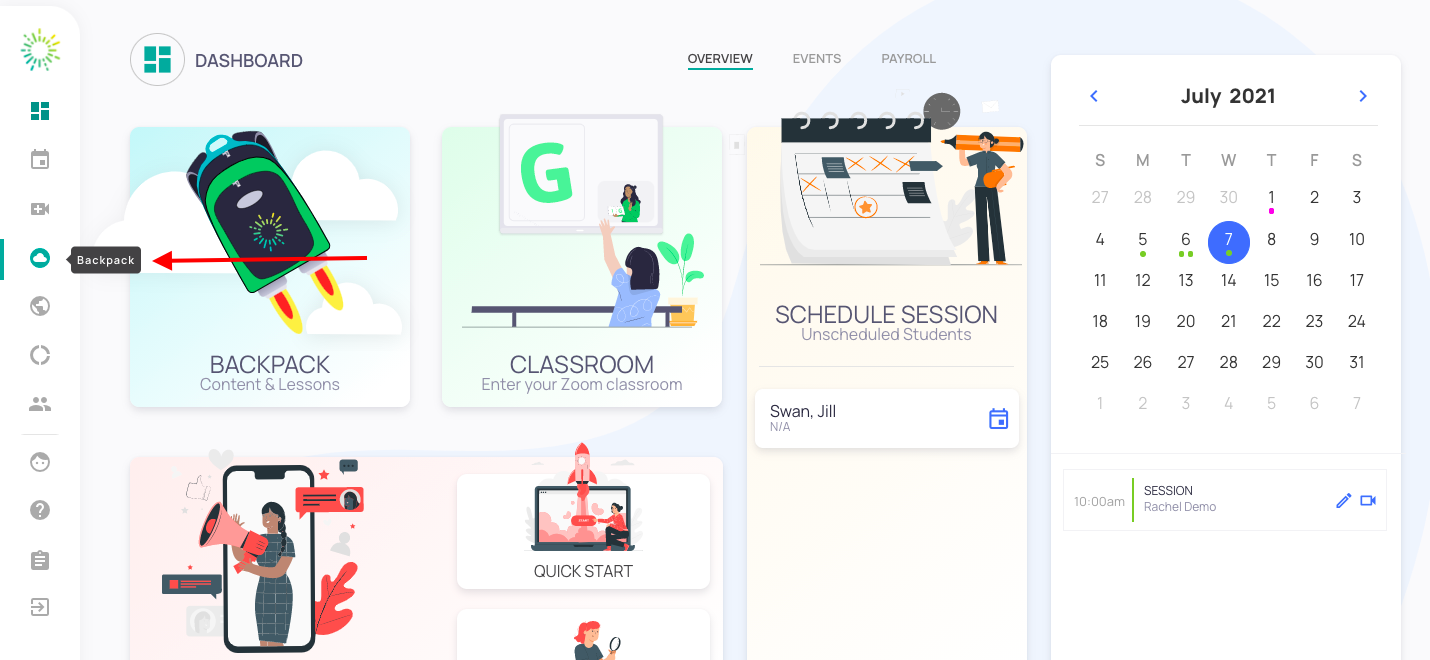
- Once logged into your clinician dashboard, click on "backpack" on your left.
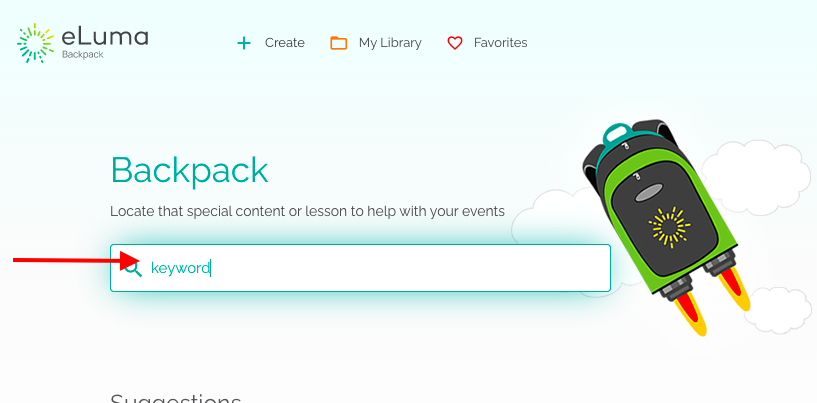
- Type a "keyword" in the search bar, for example beginning sounds, kind language, etc. Press "enter" on your keyboard.
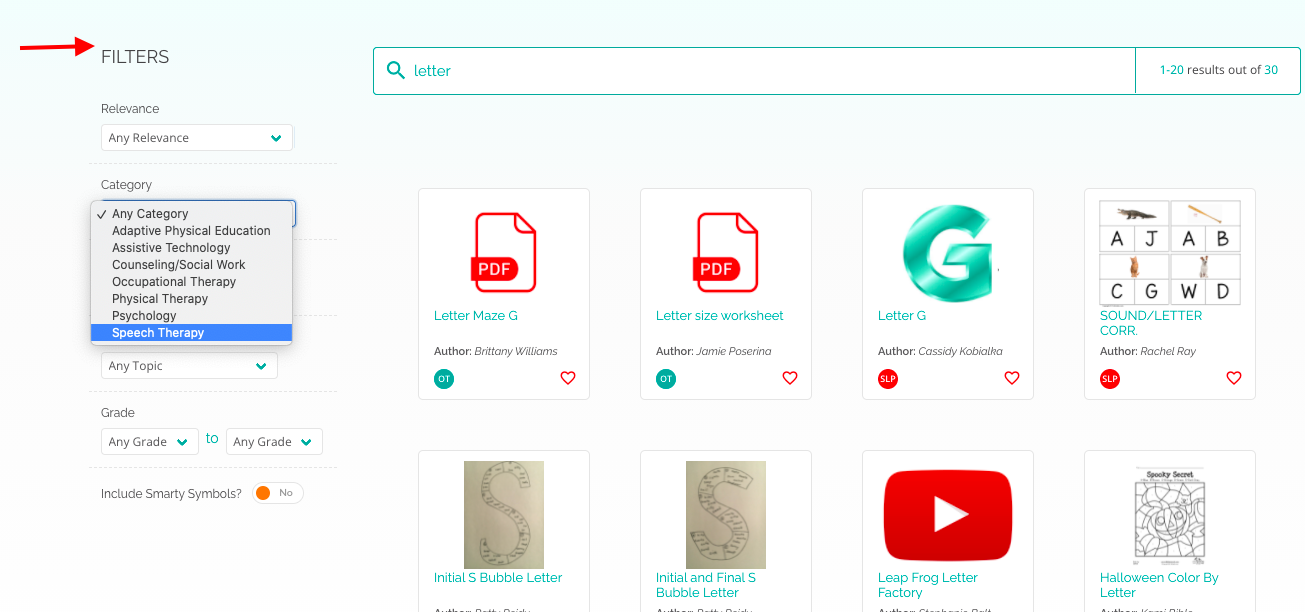
 To narrow the content results to specific resources change the "FILTERS" on the left-hand side including relevance, category, type, topic, grade, and Include Smarty Symbols.
Submit questions to support@elumatherapy.com